When the game client will not start
Fix verify errors so you can get back to The Isle — then return to THE ISLE CHEATS when the game launches clean.
A message that the anti-cheat could not verify the installation is a client problem. Fix the game install with the tools the launcher already gives you. This article does not describe a way around that check.
What to do on the game side
Use the launcher’s repair or verify action and let it finish. Restart the computer fully, then try the game by itself. If the game still will not open, the overlay products on this site are not the repair. Write down the exact error text before you contact anyone.
What this site can and cannot do
The contact form for failed checkouts can take the product name and the order email if a purchase page failed. It cannot repair a game file. The UGC appeal notes card is for organizing appeal notes. It is not a button that clears a verify error, and it does not promise a restored account.
FAQ
Should I buy Cloud DMA to fix a verify error?
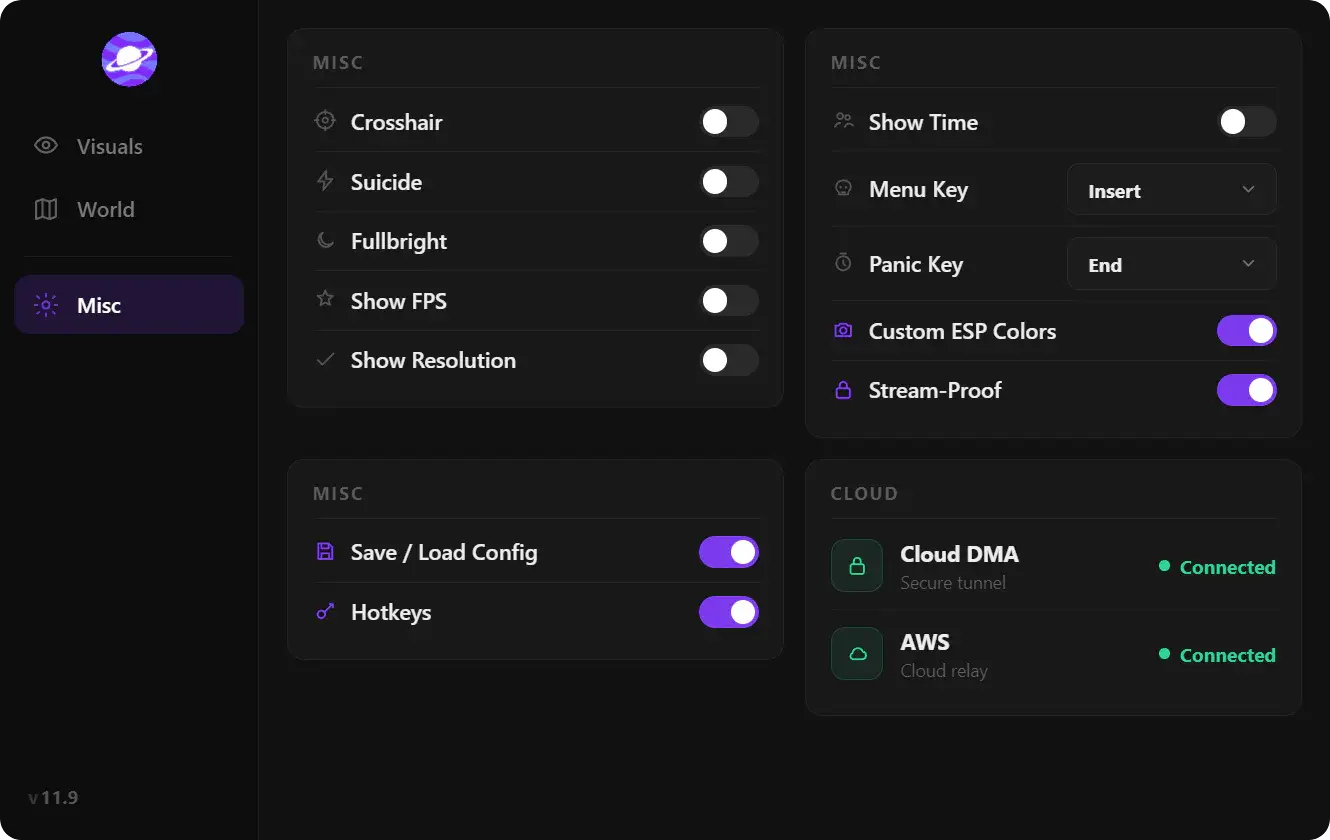
No. CLOUD DMA is an add-on for the suite. It is not a game-file repair.
Is this the same as a hardware restriction?
No. A client that will not start is not the same question as the hardware utility.
Ready to run THE ISLE CHEATS? Open the matching product page when status is online. Updated 6 Nov 2026.